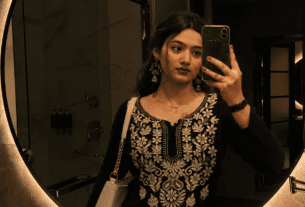
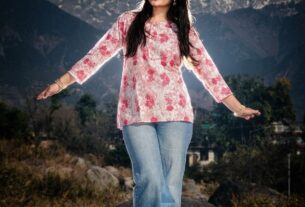
Cinematic Filter AI Photo Prompt Free 2026 – Sunset HDR & Golden Hour Style
✍️ Aakash AI Tech📅 May 16, 2026⏱️ 5 min read🆓 100% Free
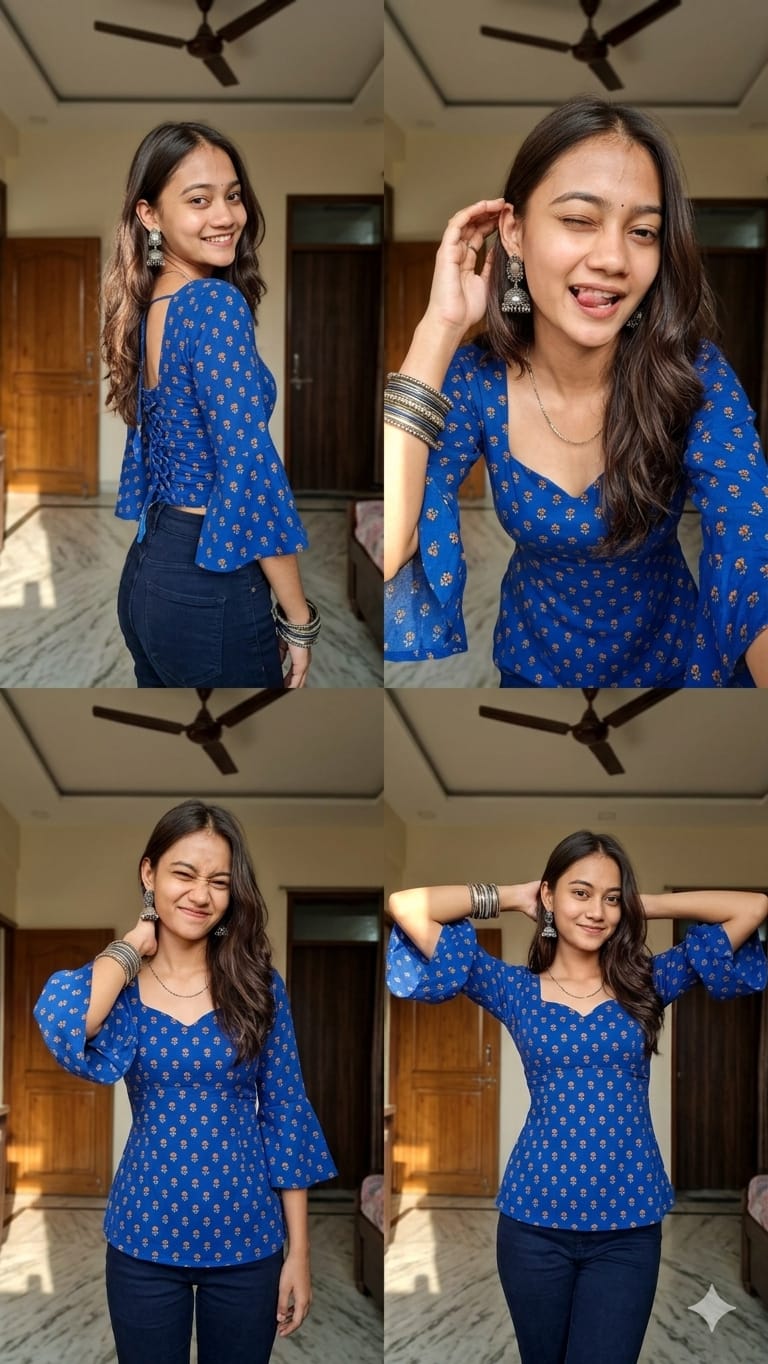
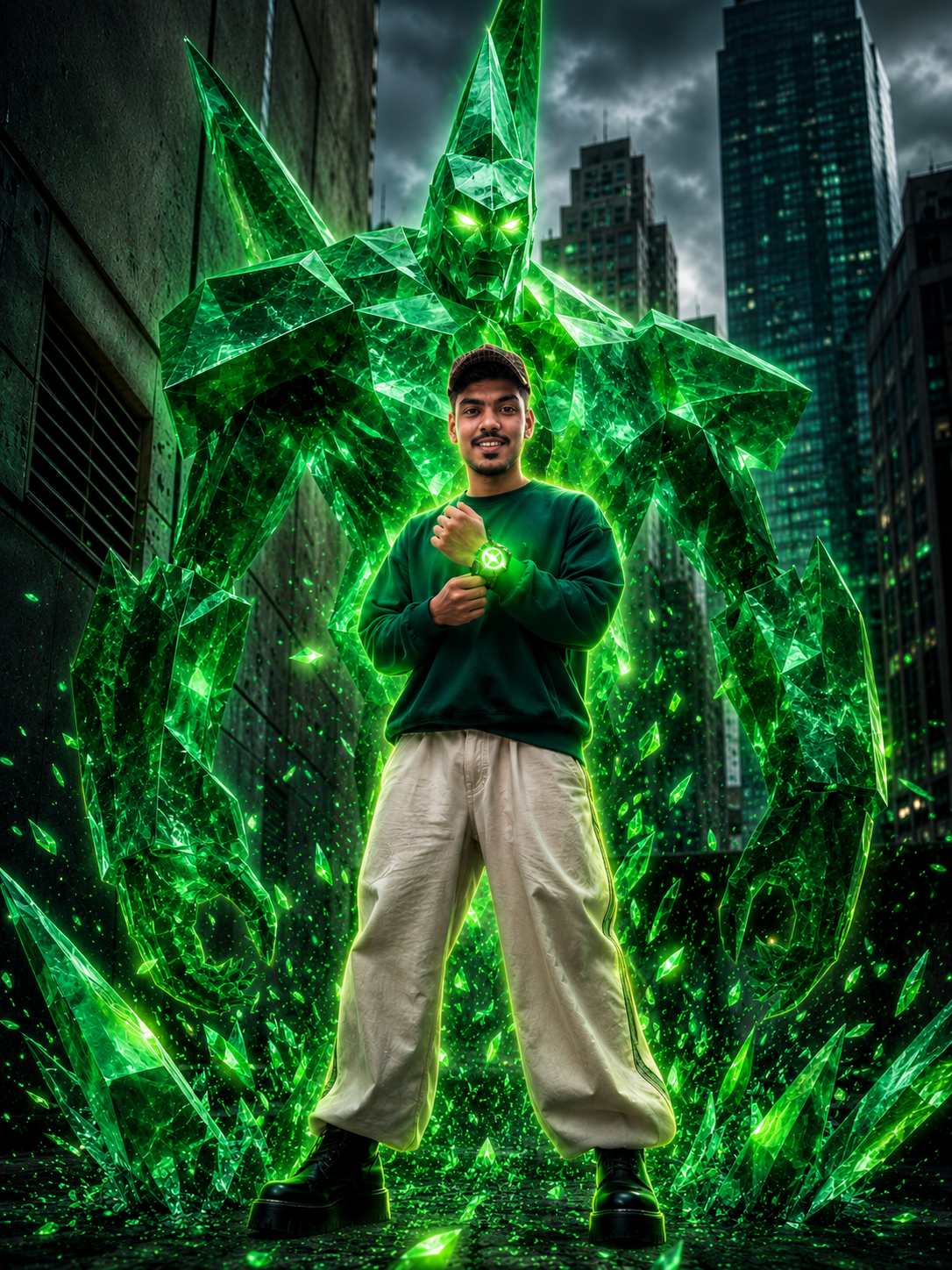
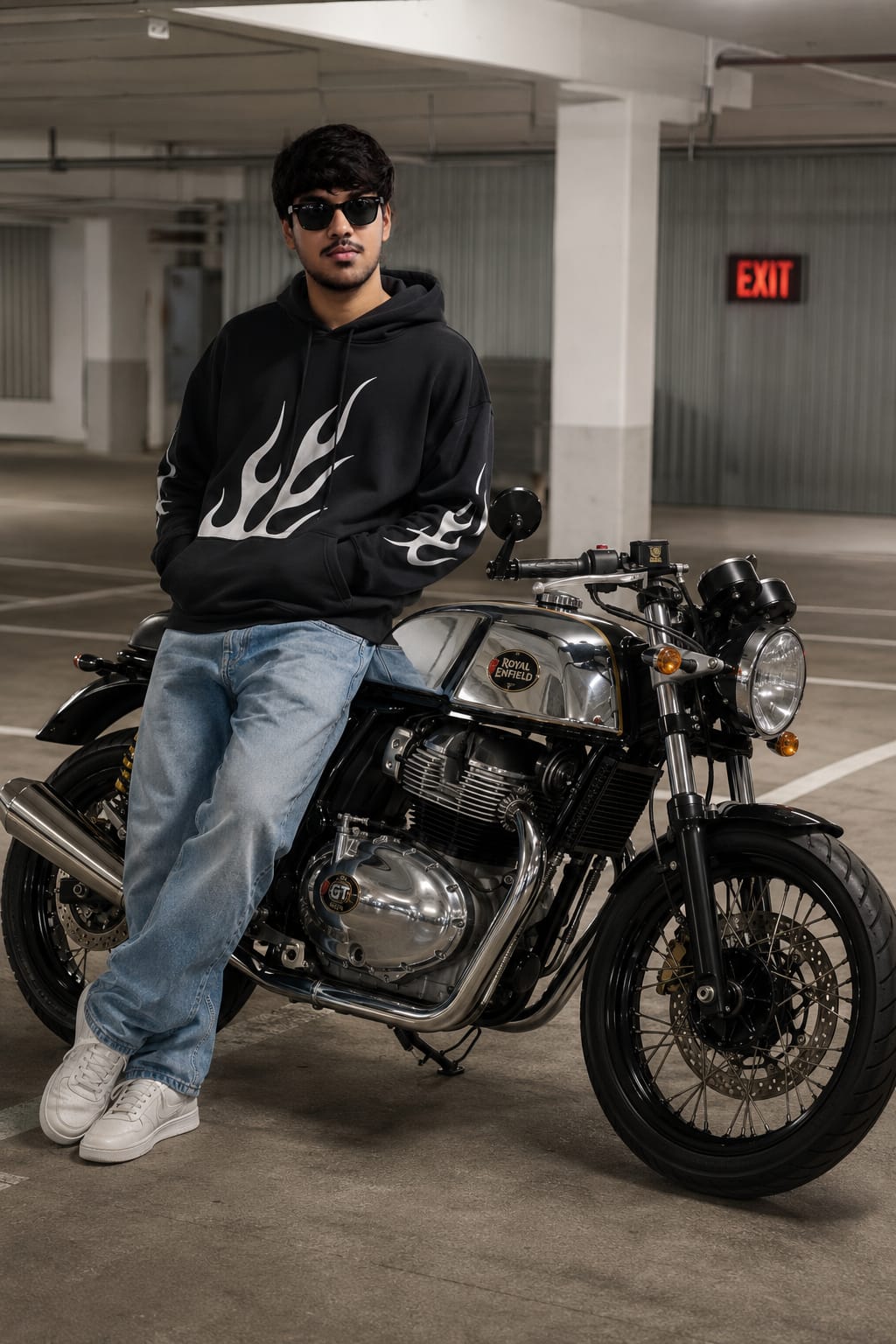
📢 Listen up, creators! Do you want to transform your normal, everyday photos into a Hollywood-level cinematic masterpiece? You do not need any expensive paid applications, and you certainly do not need advanced photo editing skills. All you have to do is copy these two completely free AI prompts, upload your photo into ChatGPT or Google Gemini, and watch the magic happen! Whether you want a dramatic Sunset HDR style or a moody Golden Hour luxury look, we have got you covered — and both are absolutely free to use.
✦ Why This Actually Works
Why is the Cinematic Filter Trend Going So Viral in 2026?
In 2026, Cinematic Color Grading has officially become the biggest and most viral AI photo editing trend on the internet. Professional photographers and high-end filmmakers use specific color tones to give their media a signature look that elevates ordinary shots into extraordinary visual stories. Previously, achieving this exact look required hours of manual tweaking in premium paid software like Adobe Lightroom or Premiere Pro. However, today, the advanced AI models powering ChatGPT and Gemini can instantly deliver the exact same professional results for absolutely free.
The two exclusive prompts provided in this post have been specifically engineered and optimized so that every core element of your photo — including your face, the background environment, clothing, and distinct objects — remains completely untouched. Only the lighting conditions and color mood are beautifully transformed. This precise control is exactly what makes these prompts so safe, reliable, and highly professional for daily use.
From Instagram Reels and YouTube thumbnails to WhatsApp Display Pictures (DPs), this rich cinematic look is going viral everywhere. Now, it is your turn to apply this premium, studio-quality finish to your own personal photos — completely free of charge.
✦ What You Will Get From This
Everything You Get With These 2 Prompts
🌅Dramatic Sunset Look
Your photo will receive a highly realistic sunset lighting effect that looks incredibly natural and breathtaking.
🎬Hollywood Color Grade
You will achieve a professional, film-like cinematic color tone identical to big-budget movie aesthetics.
🔒Original Photo Safe
Your facial features, background, and specific objects will remain 100% unaltered. No weird AI distortions.
📱ChatGPT & Gemini Ready
These prompts have been extensively tested to work flawlessly on both of these free AI platforms.
🆓Completely Free
No hidden payments, no premium subscriptions, and no trial periods required. 100% free forever.
⚡Ready in 30 Seconds
Experience lightning-fast generation. Simply copy, paste, generate, download directly, and share.
✦ Best Photo Tips
What Kind of Photo to Use — Guide for the Best Results
This is a highly important section that most beginners completely skip. No matter how incredibly detailed the AI prompt is, if your reference photo is not suitable, the final result will look perfectly average. Follow these essential tips to guarantee a flawless cinematic transformation:
☀️
Use a Well-Lit Photo
Photos taken in natural daylight always yield the absolute best results. The cinematic filter struggles to work properly and map out tones on heavily dark or severely underexposed images.
🖼️
Outdoor Photos Work Best
Images featuring the sky, lush greenery, or wide open backgrounds look incredibly dramatic with the Sunset HDR prompt. For indoor shots, the Golden Hour prompt is generally the much safer choice.
📐
Maintain a Clear Composition
Photos with heavily cluttered or extremely busy backgrounds can deeply confuse the AI, making the result look messy. Always prefer photos with simple, clean, and distinct backgrounds.
📷
High-Resolution Images
The higher the quality of your uploaded photo, the sharper and more detailed your final output will be. Standard portrait photos taken from modern smartphones work wonderfully — just ensure they are not blurry.
🧍
Both Portraits and Landscapes
These prompts are not just limited to selfies! They work flawlessly on vast landscape photos, urban street photography, and vibrant travel shots. Do not hesitate to experiment with a wide variety of pictures.
📱
9:16 Ratio for Instagram Reels
If you are planning to use the final generated result directly in an Instagram Reel, YouTube Short, or WhatsApp Status, make sure you upload a photo that is already in the vertical 9:16 format so it fits perfectly.
✦ Step-By-Step Guide
How to Use These Prompts — The Complete Step-by-Step Guide
1
Open ChatGPT or Google Gemini
On your smartphone or laptop, simply navigate to chat.openai.com (for ChatGPT 4o) or gemini.google.com. This method works perfectly even on the basic free tier accounts.
2
Upload Your Photo
Click on the paperclip or image attachment icon located right below the chat text box and select your photo from your gallery. Remember, a well-lit and clear photo gives the absolute best output.
3
Copy the Prompt from Below
Scroll down to the prompt cards provided below and carefully click the COPY button. The exact prompt text will be instantly copied to your device’s clipboard.
4
Paste the Prompt and Hit Send
Click inside the AI chat box, paste the copied text (Ctrl+V or long-press), and press the Enter or Send button. Since your photo is already securely attached, the AI will process them seamlessly together.
5
Download Your Final Result
Within just 30 to 60 seconds, your stunning cinematic photo will be fully ready! Simply right-click on the image (or long-press on mobile) → Save Image to download it to your device completely watermark-free.
⚠️ Important Note: If the AI result looks slightly off or completely different from what you expected on the very first try, simply send the exact same prompt again. AI models generate slightly different and unique outputs every single time. Try it 2 to 3 times to get the absolute perfect, flawless shot.
✦ Prompt 1
🌅 Sunset HDR Cinematic Filter
This specific prompt provides your photo with a highly dramatic sunset HDR look. The sky, surrounding environment, and overall atmosphere are beautifully infused with rich, warm sunset colors. It looks incredibly realistic without any fake, over-the-top artificial effects. This particular prompt is heavily recommended for outdoor landscape photography and wide travel shots.
PROMPT 1Sunset HDR Style — ChatGPT & Gemini
Transform this image into a dramatic sunset HDR style while preserving 100% of the original content. Do NOT change, add, remove, replace, or distort any object, subject, animal, person, building, tree, road, shadow, reflection, or background. Maintain the exact same: composition, framing, perspective, camera angle, subject positions, shapes and proportions. Colors must look realistic, not oversaturated, not artificial. No fantasy effects, no extra clouds, no extra sun, no lens flares, no fog, no rain unless already present. This is a strict color and lighting transformation only. Photorealistic sunset edit. Original image must remain perfectly recognizable.
✦ Prompt 2
🌇 Golden Hour Moody Cinematic Filter
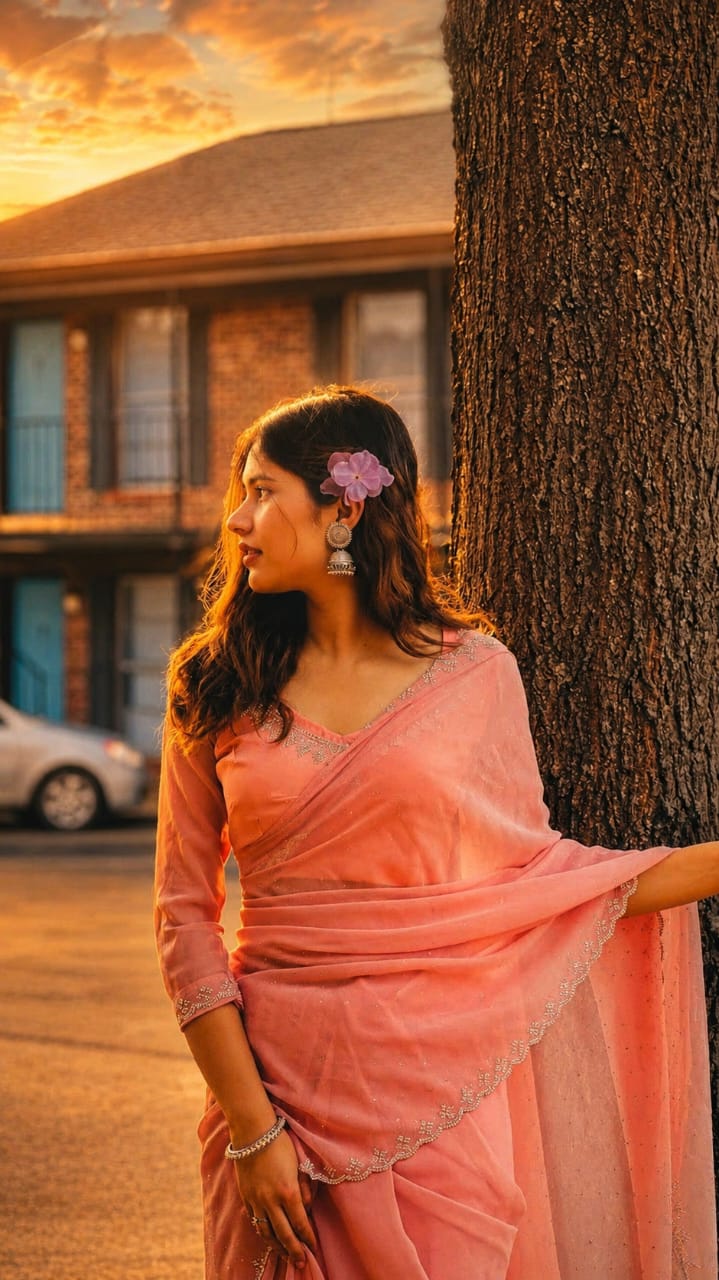
This prompt infuses your photo with a luxury golden hour cinematic aesthetic — making it look exactly as if a professional photographer shot it during a beautiful sunset using a high-end DSLR camera. This is the absolute best choice for portrait shots and close-up images. It heavily enhances skin tones naturally, making them look vibrantly rich and beautifully glowing.
PROMPT 2Golden Hour Luxury — ChatGPT & Gemini
Convert this image into a luxury golden-hour cinematic look while keeping the entire original image completely untouched structurally. Preserve 100% of the original content, composition, perspective, framing, subject positions, object proportions, background elements, and facial details exactly as in the source image.
Only enhance the lighting and color mood with realistic warm golden sunlight, soft directional evening light, deep cinematic contrast, subtle shadow gradients, natural skin tone enhancement, warm amber highlights, soft matte blacks, and premium film-style HDR toning. Maintain realistic environmental lighting and authentic textures without altering any object or adding anything new.
No artificial effects, no fake sky replacement, no extra elements, no fantasy edits, no excessive saturation, no glowing effects, and no distortion. Keep everything photorealistic, clean, natural, and highly detailed like a luxury cinematic DSLR photograph shot during sunset golden hour.
✦ Prompt Comparison
🤔 Prompt 1 vs Prompt 2 — Which One Should You Actually Use?
🌅
Prompt 1 — Sunset HDR
Offers a dramatic, high-contrast look with bold, striking colors. This is best suited for outdoor landscapes, urban street photography, and wide-angle shots. The transformation of the sky and the overall surroundings is much more aggressive and highly visible here.
🌇
Prompt 2 — Golden Hour
Delivers a much softer, warmer, and premium luxury feel. This is the ultimate choice for close-up portraits and fashion photography. The skin tones look highly natural, rich, and softly glowing — providing you with a perfect, Instagram-worthy aesthetic.
✦ Troubleshooting
Did Not Get a Good Result? Do This Immediately
Sometimes, the AI’s first attempt might not match your exact expectations. Do not worry at all — this is incredibly common with generative AI models. Below are some of the most common issues users face and their quick, easy solutions:
😕
Did the Face Change?
Simply resend the prompt. If the AI continues to alter your facial features, manually add this specific line to the end of your prompt: “Do not change the face at all under any circumstances.”
🌈
Colors Looking Too Saturated?
If the colors look too fake or cartoonish, add this instruction to the end of your prompt: “Keep colors highly subtle and completely realistic, strictly avoid oversaturation.” This forces the AI to tone it down.
🌑
Result Came Out Too Dark?
Try slightly increasing the brightness of your original photo before uploading it. Alternatively, you can use a free app like Snapseed to bump up the brightness by +15, then run it through the AI again. A better base photo always guarantees a better final result.
🔄
Did Not Work the First Time?
Copy the exact same prompt and send it again in a fresh chat. If it fails once, it will likely succeed on the second or third try. AI generates a completely unique output on every single computational attempt.
✦ Pro Tips
💡 Expert Advice — How to Get the Maximum Quality Result
🎯
Try Both Prompts on the Same Photo
Do not limit yourself! Apply Prompt 1 and Prompt 2 to the exact same image and carefully compare them. They yield very different atmospheric results, so simply keep the one that fits your aesthetic better.
✏️
Enhance Further with Lightroom
After generating the AI image, take it into Adobe Lightroom or Google Snapseed and slightly increase the “Clarity” and “Contrast” sliders. This small manual step makes the final result look breathtakingly professional.
📸
ChatGPT 4o vs Google Gemini
ChatGPT 4o tends to produce results that are slightly sharper and highly cinematic, whereas Gemini usually generates colors that are much warmer and softer. Since both are free, test your photo on both platforms and compare the magic.
🔁
Experiment with Multiple Photos
Do not stop at just one picture. Try these prompts on a wide variety of images — outdoor adventures, indoor cafe shots, group selfies, and solo portraits. Different environments yield different cinematic magic.
✦ Frequently Asked Questions
❓ Everything You Need to Know
Are these AI prompts completely free to use? ▼
Yes, they are 100% absolutely free! They are carefully designed to work perfectly on the ChatGPT free version (GPT-4o) as well as the free tier of Google Gemini. You absolutely do not need to buy any premium subscriptions or sign up for expensive trials to use them.
Will my original photo, face, or background be changed? ▼
Absolutely not. Both of these prompts have been specifically and meticulously engineered with strict negative constraints so that the core structural elements of your original photo — such as your face, body shape, background details, and background objects — remain completely untouched. Only the global color grading and environmental lighting will be beautifully transformed.
What kind of photo provides the absolute best result? ▼
Well-lit outdoor photos generally provide the most stunning and dramatic cinematic results. These prompts also work exceptionally well on portrait shots, street photography, and vast travel photos. However, heavily blurred or extremely dark and noisy photos will usually result in lower-quality generations because the AI struggles to map the lighting accurately.
Which platform is better for this: ChatGPT or Google Gemini? ▼
Both platforms process these prompts excellently. However, ChatGPT 4o often produces a final image that is noticeably sharper and more intensely cinematic with deeper contrast. On the other hand, Gemini tends to favor a warmer, softer color palette. We highly recommend trying both platforms to see which specific style you prefer for your photo!
Will there be any annoying watermark on the final generated result? ▼
No! Images generated by both ChatGPT and Google Gemini using these exact prompts do not feature any watermarks or hidden logos whatsoever. You can simply download the clean image directly and freely post it on all of your social media profiles without any worries.
Will this prompt work accurately on group photos? ▼
Yes, absolutely! These prompts work perfectly on pictures featuring multiple people. The AI is firmly instructed to preserve everyone’s facial features, clothing, and exact positions in the frame. It will only enhance the overall color tone and lighting of the entire scene, making the group shot look like a still from a movie.
Can I use these prompts effectively on indoor photos? ▼
Yes, you can certainly use them on indoor photos. However, you might not achieve that sweeping, dramatic outdoor sunset effect that Prompt 1 provides. For indoor images, Prompt 2 (the Golden Hour style) generally delivers a much better, cozier, and more natural luxury result. A photo taken in a room with a decent amount of natural window light will work best for this.
Can I use these generated images for commercial client work? ▼
Yes, you generally can. The visual output generated by ChatGPT and Gemini belongs to the user, meaning you can confidently use these cinematic filters to color grade photos for your clients, social media management gigs, or commercial marketing campaigns without facing any major copyright issues.
What if I want a dark, moody blue cinematic filter instead? ▼
These specific prompts provided in this article are heavily tuned for warm, golden, and sunset aesthetics. If you prefer a cold, moody blue cinematic look (similar to the aesthetic of cyberpunk or thriller movies), you can simply modify Prompt 1 by manually replacing the words “sunset HDR style” with “cold, dark, moody blue cinematic thriller style” before generating it.
✅ Try it out right now and share your amazing results in the comments! Test out both of these highly detailed prompts and let us know which one you loved more — the dramatic Sunset HDR or the luxury Golden Hour? Do not forget to share this awesome guide with your friends so they can turn their ordinary photos into cinematic masterpieces too! 🎬🔥
🤖 AI Prompt — Copy Karo & Use Karo
Neeche prompt copy karo → ChatGPT ya Gemini mein photo ke saath paste karo!