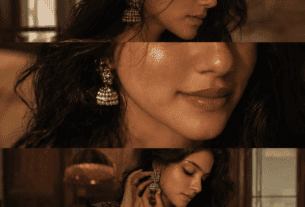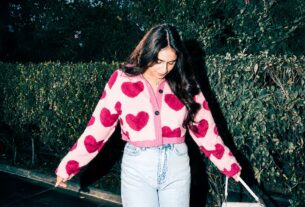
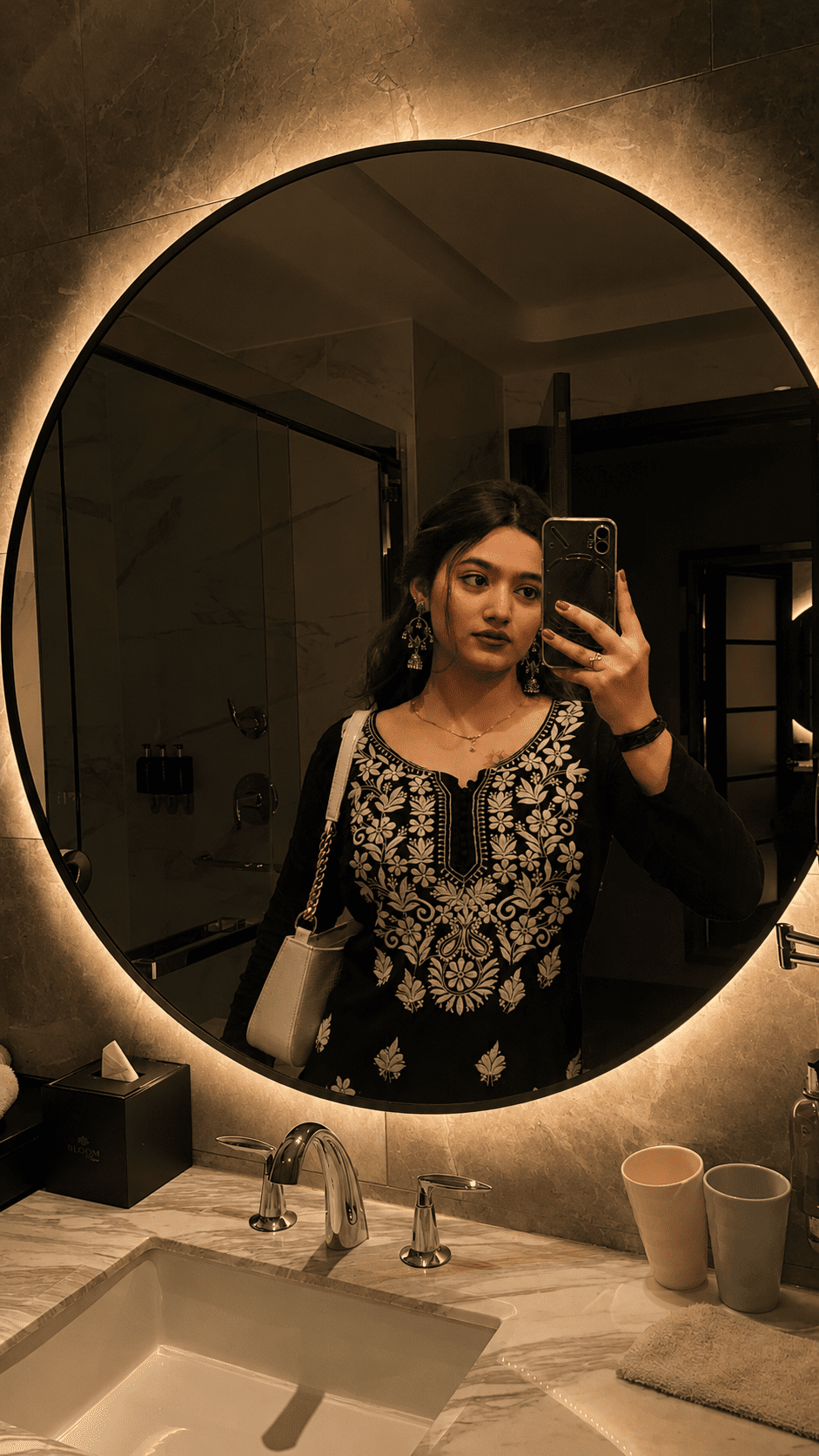
Viral mirror selfie AI prompts are everywhere right now — and honestly I almost missed this trend completely.
I was just scrolling Instagram one night and saw this mirror selfie. Something was off. The person looked like they were standing inside a painting. Old gold frame. Candle light. Like a photo from the 1600s. I thought — wait, is this AI? I went to the comments. Yes. It was AI. And that same night I had to try it myself.
These viral mirror selfie AI prompts work with ChatGPT and Gemini both — completely free.
Why Is This Viral Mirror Selfie Trend Everywhere Right Now
See, people have been doing AI photo stuff for a while. Ghibli style, anime filter, cartoon face — all that. But this mirror selfie trend feels different. It feels more personal. You are not turning into a cartoon. You are still you. Just placed inside a beautiful old mirror, like a painting.
And the results are actually good. Not like those fake filters where your face looks weird. This one keeps your face exactly as it is. That is why it is spreading so fast on Instagram and Pinterest. People are posting it as profile photos, reel covers, everything.
But the thing that made it really go viral — it works with any normal selfie. You do not need a professional photo. Just a clear photo from your phone is enough.
Create Viral Mirror Selfie Photo Using AI Prompts — Complete Guide
Let me walk you through this properly. I will tell you exactly what to do and also why each step matters. Do not skip any step — the order is important here.
Analyze both uploaded images automatically:
IMAGE 1 = source selfie/photo
IMAGE 2 = destination empty mirror
Replace the reflection inside the destination mirror with the person from IMAGE 1.
STRICT IDENTITY PRESERVATION:
- Preserve the person's face 100% exactly as in the source image.
- Do not change facial structure, eyes, nose, lips, jawline, skin texture, hairstyle, age, body shape, expression, ethnicity, or identity.
- No beautification, face enhancement, AI face recreation, face swapping, or facial modifications.
- Maintain exact real-person likeness.
SMART MIRROR INTEGRATION:
- Detect the shape, size, angle, curvature, perspective, and position of the destination mirror automatically.
- Place the person naturally inside the mirror reflection as if they were originally standing in front of that mirror.
- If required, intelligently adjust body angle, camera perspective, crop, framing, distance, or pose alignment ONLY to fit the mirror realistically.
- Never distort the face or body.
ADAPTIVE COMPOSITION:
- Works with any selfie, portrait, mirror selfie, standing pose, sitting pose, indoor photo, outdoor photo, or full-body image.
- Works with any mirror shape (arched, round, oval, irregular, designer, wall-mounted, floor mirror, luxury mirror, etc.).
- Automatically scale and reposition the subject to fit the mirror naturally.
LIGHTING MATCH:
- Match the reflection lighting to the destination environment.
- Adapt brightness, shadows, highlights, contrast, reflections, color temperature, ambient light, and exposure according to the mirror scene.
- Blend the subject seamlessly into the destination environment while preserving realism.
REALISTIC REFLECTION PHYSICS:
- Create authentic mirror reflection behavior.
- Preserve natural depth, perspective, mirror distortion, edge reflections, and realistic optical characteristics.
- Reflection should look physically accurate and naturally captured by a real camera.
QUALITY ENHANCEMENT:
- Upgrade source image quality to ultra-clean 4K.
- Remove blur, compression artifacts, noise, low-resolution softness, and pixelation.
- Maintain realistic skin texture and clothing details.
- Produce DSLR-quality realism with professional photography standards.
FINAL OUTPUT:
A photorealistic 4K ultra-HD image where the person from IMAGE 1 appears naturally reflected inside the mirror from IMAGE 2, with perfect identity preservation, realistic perspective, environment-matched lighting, seamless blending, and absolutely no AI-generated face changes.
Want the full Renaissance oil painting look — warm golden light, Rembrandt style shadows, canvas texture? Use Prompt 2. This one looks like a real painting from the 1600s and is honestly the most viral version right now.
Generate a photorealistic 4K ultra-HD Renaissance oil-painting-style mirror reflection where the person from the source selfie appears naturally reflected inside the destination's empty classical gilded frame mirror. Preserve the person's face 100% exactly — no changes to facial structure, eyes, nose, lips, jawline, skin texture, hairstyle, age, body shape, expression, ethnicity, or identity. No beautification, AI face recreation, face swapping, or facial modifications.
Automatically detect the mirror's shape (classical arched/oval with gold gilded frame), size, curvature, angle, perspective, and position. Place the subject inside the reflection as if they were a subject in a Renaissance portrait, intelligently adjusting body angle, crop, framing, and pose alignment ONLY to fit the mirror realistically — never distorting face or body.
Apply Renaissance chiaroscuro lighting: dramatic Rembrandt lighting, warm candlelight glow (2800K), deep velvety shadows, soft golden highlights on face and hands, and atmospheric dust motes. Color grade with a classical oil-painting aesthetic (think Caravaggio / Rembrandt portraits): warm amber/gold highlights, rich brown midtones, deep umber shadows, and subtle canvas texture overlay. Add realistic mirror edge reflections, gold frame glint, and authentic optical depth with classical painting softness.
Upgrade source image to ultra-clean 4K — remove blur, noise, compression artifacts, and pixelation while maintaining realistic skin texture, fine details, and clothing fabric. Final output: a classical, Renaissance oil-painting-style mirror reflection with perfect identity preservation that looks like a masterpiece from the 1600s.
And if you want something more modern — dark background, gold light, luxury feel — try Prompt 3. It looks like a high-end fashion shoot. Very different from Prompt 2 but equally good for Instagram.
Create a photorealistic 4K ultra-HD dark luxury moody mirror reflection where the person from the source selfie appears naturally reflected inside the destination's empty designer black-gold framed mirror. Preserve the person's face 100% exactly — no modifications to facial structure, eyes, nose, lips, jawline, skin texture, hairstyle, age, body shape, expression, ethnicity, or identity. No beautification, face enhancement, AI recreation, or face swapping.
Automatically detect the mirror's geometry (shape, size, curvature, angle, perspective, position) and place the subject inside with realistic pose alignment — adjusting only crop, distance, body angle, and framing to fit naturally without any face or body distortion.
Apply dark luxury opulent lighting: dramatic chiaroscuro contrast, deep black shadows, rich gold accent lighting (3000K warm tungsten), spotlight on the subject, and atmospheric haze. Color grade with a high-end luxury aesthetic (think luxury brand campaign: Hermes, Rolex): deep blacks, rich gold highlights, desaturated cool midtones, and high contrast. Add realistic mirror edge reflections, light bounce on gold frame, subtle dust particles in air, and authentic optical depth.
Seamlessly blend the reflection into the environment with accurate mirror physics: correct perspective distortion, edge reflections, natural depth, and realistic light falloff. Upgrade source to ultra-clean 4K — remove all artifacts but keep realistic skin texture, pores, and fabric details. Final output: a dark, opulent, dramatic mirror reflection with perfect identity preservation and luxury brand photography standards.
AI Photo Editing Tips For Best Result
I tried this maybe six or seven times before I got the hang of it. Let me save you that time.
First thing — use a photo with good lighting. I tried a dark selfie once and the AI just made up details on my face that were not actually there. Natural daylight photo gave the cleanest result every single time. Simple thing but it makes a big difference.
Second thing — if the output face looks slightly different from your actual face, do not just accept it. Type this in the chat: “redo it, the face must look exactly like Image 1, do not change any facial feature”. It fixes the issue almost every time on the second try.
And honestly the thing that surprised me most — the AI adjusts your body pose on its own. I uploaded a side angle selfie and the output showed me facing the mirror directly. It looked completely natural. I did not do anything extra. The AI just figured it out by itself.
Try Prompt 2 and Prompt 3 both with the same selfie. You will be surprised how different they look. One is warm and classical. The other is dark and dramatic. Keep both outputs and decide later which one to post.
You can try these viral mirror selfie AI prompts directly on ChatGPT or Google Gemini — both are free to use and work well for this.
How To Use These Viral Mirror Selfie AI Prompts Step By Step
Simple steps. Nothing complicated. Just follow this and you will get the output in under two minutes.
Honestly What I Think About This Trend
Look, I have tried a lot of AI photo things. Most of them feel like a one-time gimmick. But these viral mirror selfie AI prompts are different. Every time I try a new selfie with it, the result feels fresh and I actually want to save it. There is something about seeing your own face inside an old painting style mirror that just looks really cool.
And it is completely free. No app to download. No subscription needed. Just ChatGPT or Gemini, two photos, and the prompt. That is it. Give it one try tonight and see what comes out. I think you will like it more than you expect.