💡 What Are AI Image Prompts?
An AI image prompt is a detailed text instruction given to tools like Midjourney, ChatGPT (DALL-E), or Gemini to generate or edit a photo. The more specific your prompt, the more realistic and cinematic your output. These prompts use keywords like cinematic lighting, 8K, anamorphic lens flare, HDR to guide the AI toward premium results.
🎯 What You’ll Get From These Prompts
- Exact face & skin tone preservation in all edits
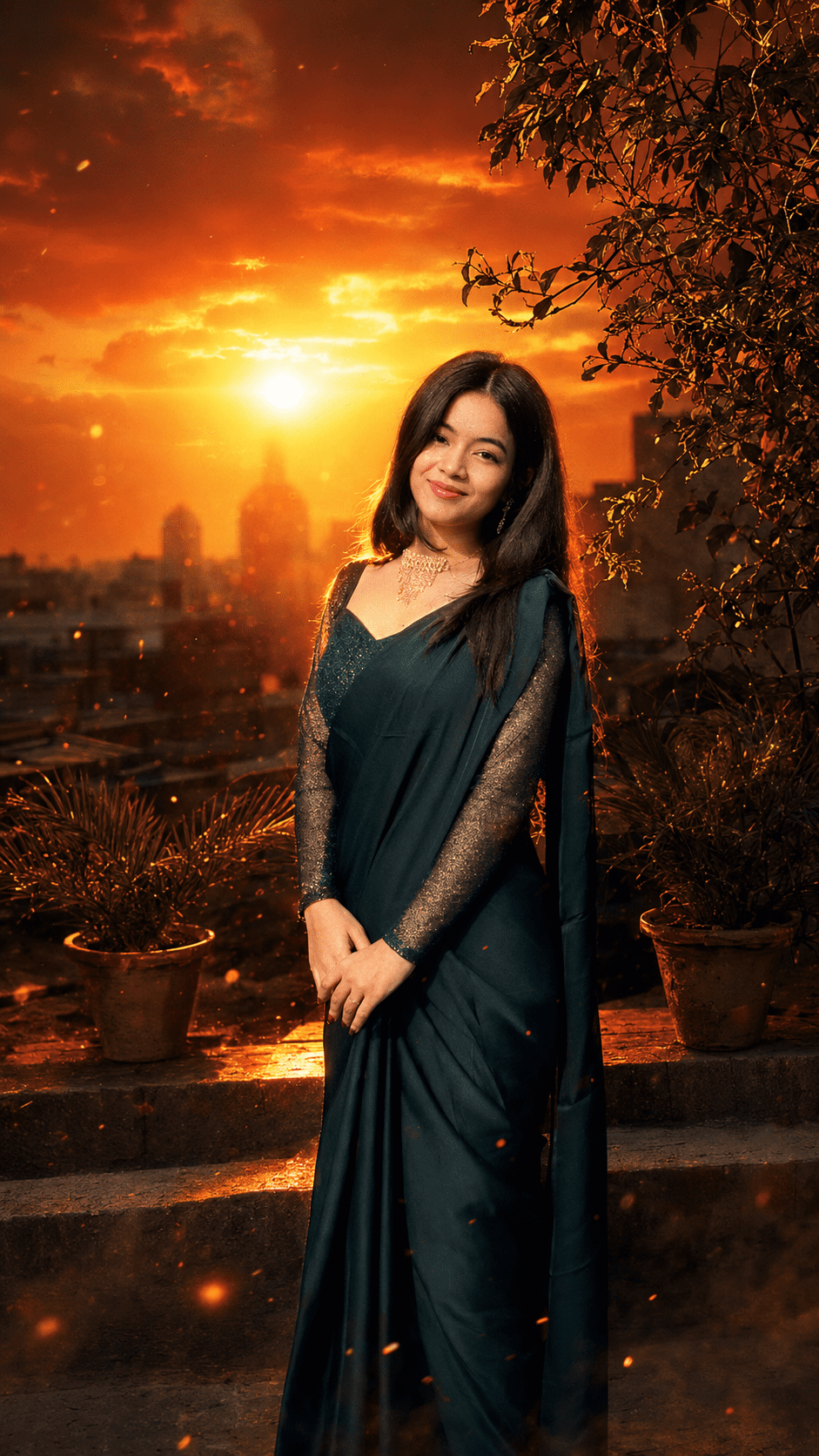
- Dramatic cinematic sunset with smoke haze & lens flare
- Luxury black-and-gold studio portrait aesthetics
- Natural golden-hour glow without overexposure
- Premium 8K HDR quality output
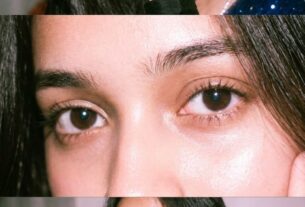
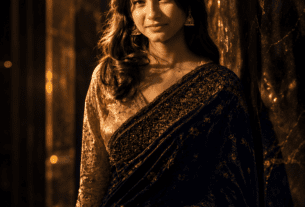
📷 What These Prompts Produce
🌅 Golden Hour Sunset Portrait
🏆 Black & Gold Studio Shot
🎬 8K Cinematic Sunset Portrait
🛠 How to Use These Prompts
-
1
Choose Your AI Tool
Open Midjourney, ChatGPT (DALL-E 3), or Google Gemini. For best face preservation, use ChatGPT image editing.
-
2
Upload Your Reference Photo
Upload a clear front-facing portrait photo. Higher resolution = better results. Minimum 1080p recommended.
-
3
Copy & Paste the Prompt
Click the Copy button above and paste the prompt in the AI tool’s chat box along with your image.
-
4
Adjust & Regenerate
If results aren’t perfect, add “more cinematic” or “stronger sunset” and regenerate.
-
5
Download & Share
Download your 8K output and share on Instagram, LinkedIn, or use as a professional profile picture.
Use High-Res Input
Always upload the highest quality photo for best AI results.
Specify Colors
Always mention exact color palette for consistent cinematic results.
Add “No Filter”
Add “no beauty filter, no AI distortion” to avoid plastic-looking skin.
Regenerate 3+ Times
Generate 3–5 variations and pick the best output.
Mention Aspect Ratio
Add “portrait 9:16” or “cinematic 16:9” for correct framing.
Combine Prompts
Mix Prompt 2 + Prompt 3 for an ultra-dramatic hybrid luxury look.